Tuesday, February 25, 2025
Scaling UX Strategy for a Multi-Sided Logistics Ecosystem
Role: Head of UX
Period: 2022 – Present
Company: Ship.Cars
Platform Scale: 12,000+ active users
Products Led: Carrier TMS, Driver App, Shipper Dashboard, Broker Portal, Internal Tools
Keywords: Logistics UX, Multi-Sided Platforms, Design Systems, AI in UX, Enterprise SaaS, B2B Product Design
Executive Summary
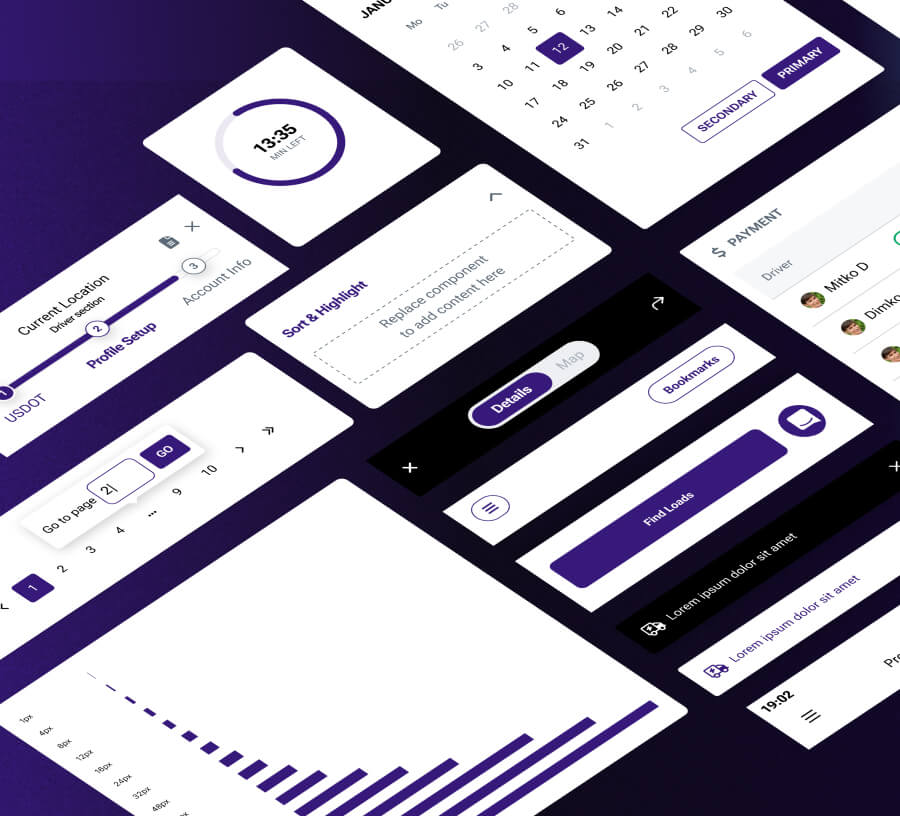
At Ship.Cars, I led UX across a multi-product, multi-persona logistics platform used daily by carriers, drivers, dispatchers, shippers, and brokers. I built the UX function from the ground up, introduced a unified design system with 600+ components spanning web and native products, and established AI-supported workflows to increase speed and consistency across the design lifecycle. The work focused on operational clarity, scalable interaction patterns, and stronger trust signals as the platform evolved toward enterprise readiness.
Evidence Signals
This case study is grounded in long-term, recurring signals rather than isolated metrics:
Product analytics and funnel behavior
Support logs and recurring issue categories
Usability testing and controlled experiments
Design system adoption and delivery velocity
Cross-product UX audits and consistency reviews
All outcomes below are framed conservatively and reflect directional, repeatable trends, not single experiments.
Impact Snapshot
Outcome Area | Direction of Impact | Evidence Signal |
|---|---|---|
High-frequency operational flows | Noticeably faster and more predictable | Analytics patterns + usability testing |
Confusion-driven support issues | Clear reduction over time | Support ticket categorization |
Cross-product consistency | Major improvement | Design system adoption |
Delivery speed and UI regressions | Faster delivery, fewer visual inconsistencies | QA trends + release reviews |
Enterprise readiness signals | Stronger clarity and confidence | Stakeholder feedback + funnel behavior |
Anchor metric:
Design system scale: 600+ reusable elements across web and native products
What Ship.Cars Is and Why UX Is Critical
Ship.Cars is a multi-sided logistics platform connecting carriers, drivers, dispatchers, shippers, and brokers. Users operate in time-critical, exception-heavy environments where decisions must be made quickly and often under stress.
Key insight
In logistics, unclear UX does not stay at the interface level. It propagates into operational errors, delays, support escalation, and churn.
The Challenge
As the platform expanded across products and personas, UX foundations needed to scale alongside operational complexity and rising enterprise expectations.
Core Problems Observed
Cross-product workflows lacked shared logic and predictable structure
UI inconsistency increased learning time and cognitive load
Operational flows handled edge cases poorly
Delivery speed slowed due to missing shared UX infrastructure
Who Was Most Affected
Drivers: low attention bandwidth, variable environments, unreliable connectivity
Dispatchers: high-volume task management and frequent exceptions
Enterprise buyers: assessing maturity, reliability, and long-term fit before committing
Key insight
Operational users feel friction immediately. Enterprise stakeholders interpret UX quality as a proxy for platform reliability.
My Role and Scope
I owned UX both strategically and operationally across all products.
What I Owned
UX strategy, discovery, and prioritization
Information architecture and interaction design
Prototyping and validation
Design systems across web and native apps
Stakeholder alignment at C-level
Team building, structure, and UX process definition
AI and Advanced UX Initiatives
AI was used to accelerate research, synthesis, and design execution while all product decisions remained human-led and accountable.
AI Workstreams I Led
UX design for AI-supported vehicle inspection flows
AI-assisted design workflows for research synthesis, ideation, and documentation
Prompt frameworks to standardize and speed up design tasks
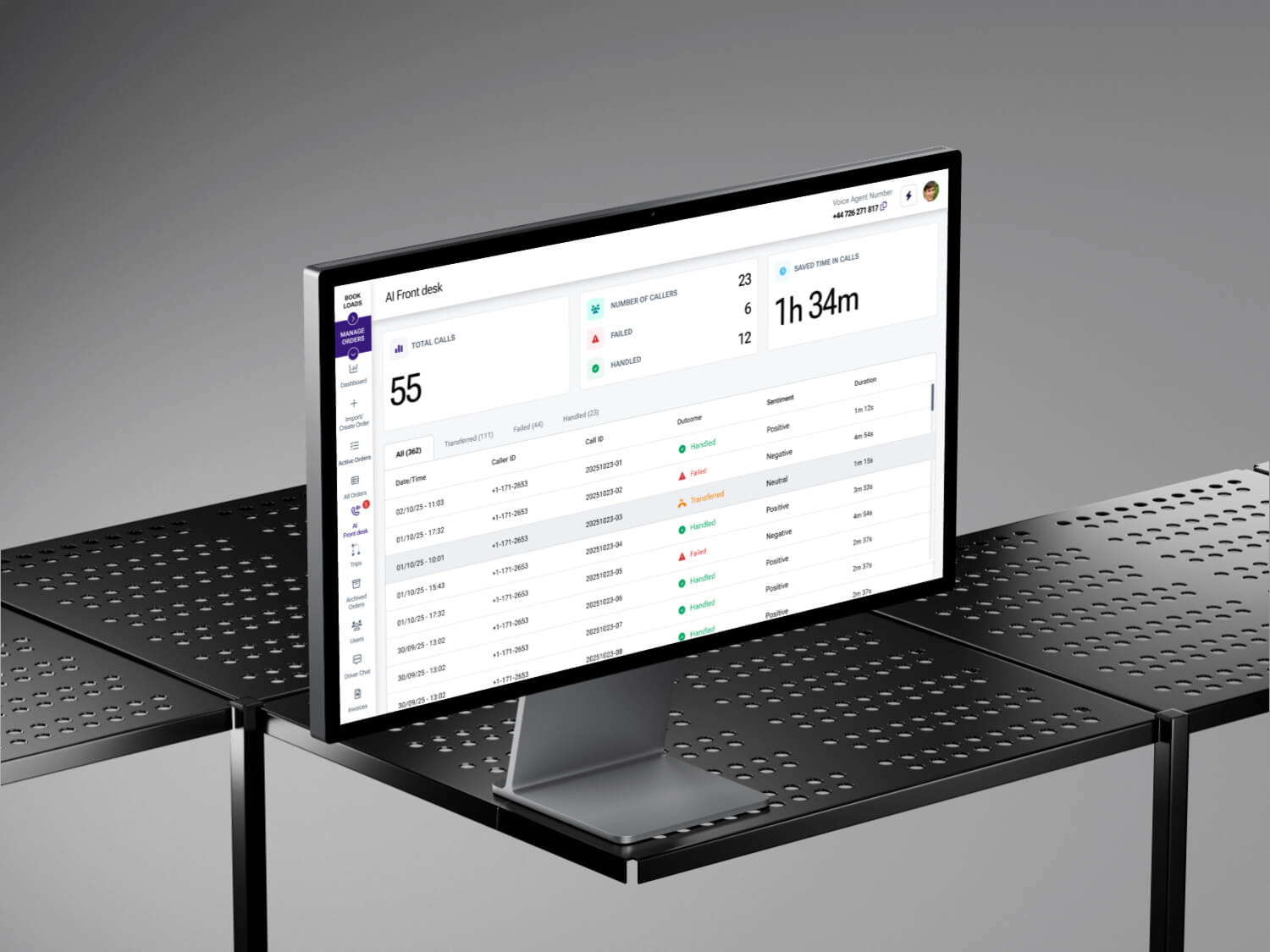
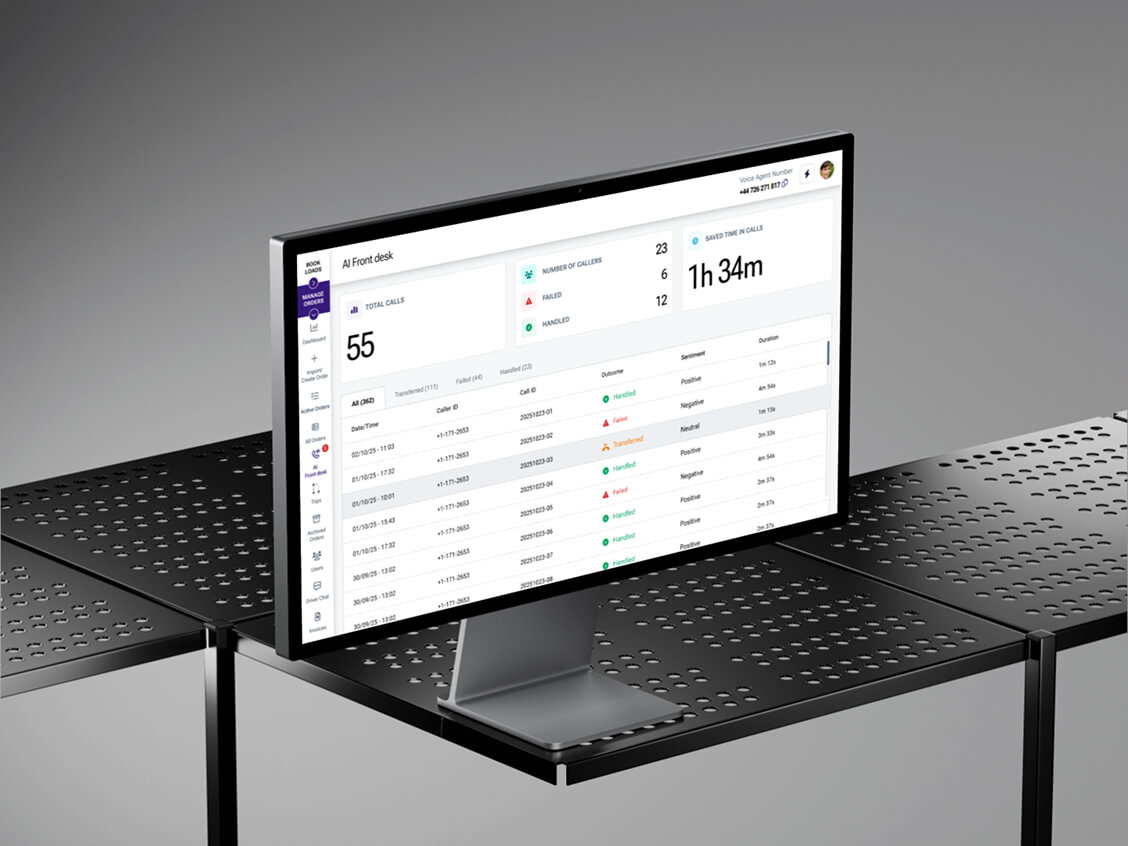
UX design for an AI voice agent supporting operational scenarios
AI Infrastructure for Design Execution
I introduced an MCP (Model Context Protocol) server integrated with Figma to support generative UI and design system workflows. This enabled designers to generate, iterate, and validate UI patterns directly within the design environment while remaining aligned with system rules and component standards.
The setup reduced repetitive design work, improved consistency during exploration, and allowed faster iteration without compromising system integrity.
Observed pattern
AI improves UX outcomes when it accelerates learning, reduces repetitive work, and supports clearer decisions. Without strong UX foundations, it amplifies noise.
Research and Discovery
Summary
Research focused on observing real operational behavior rather than validating stated preferences.
Research prioritised behavioural reality over opinion sampling. Insights emerged from observing users’ actual workflow navigation, identifying hesitation points and the emergence of errors or workarounds. Product analytics support patterns and operational feedback served as primary signals while interviews were employed to explain behaviour rather than confirm assumptions. This approach ensured decisions aligned with real logistical conditions rather than self-reported preferences.
Inputs Used
Interviews across key personas
Semi-structured interviews guided by JTBD and task-based walkthroughs to surface decision points, failure modes, and workarounds in real operational contexts.Product analytics and session behavior
Event-based analysis using tools such as Mixpanel for funnel and path analysis, combined with session replays and heatmaps (e.g. Microsoft Clarity) to identify hesitation, repetition, and drop-off patterns.Support data and operational feedback loops
Thematic analysis of support tickets and operational notes using UX debt tagging and root-cause clustering to distinguish usability issues from training or policy gaps.Competitive analysis across logistics and adjacent enterprise SaaS
Structured comparative UX audits and pattern benchmarking across logistics platforms and high-maturity B2B SaaS to evaluate workflow structure, hierarchy, and error handling standards.
System-level insight
Most friction stemmed from misalignment between system logic and real workflows, not from missing features.
Strategic UX Approach
The strategy centered on three pillars:
Context-aware workflows
Cross-product consistency through systems
Value clarity aligned with enterprise expectations
Solution 1: Context-Aware Workflow Simplification
Summary:
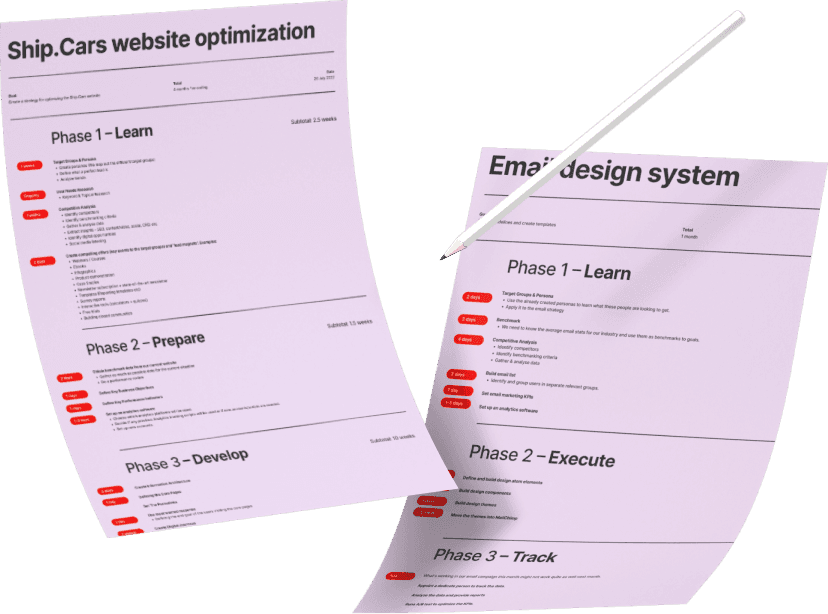
Operational flows were redesigned to adapt based on role, state, and scenario, reducing irrelevant steps.
What Changed
Conditional paths based on role, permissions, and load state
Removal of unnecessary steps when no action was required
Clearer feedback and error handling at decision points
Why It Mattered
Faster completion of high-frequency tasks
Validated through Mixpanel funnel and path analysis to measure step reduction and flow efficiency, supported by moderated usability testing focused on time-on-task and first-attempt completion.Fewer mistakes in exception-heavy workflows
Identified and reduced using support ticket root-cause analysis, error-state audits, and scenario-based usability testing covering edge cases and failure paths.Reduced repetition and hesitation
Observed through session replay analysis (e.g. Microsoft Clarity) and interaction pattern audits, highlighting repeated actions, backtracking, and pauses at decision points.
Solution 2: Design System and Style Guides at Scale
Summary
A shared design system became the backbone for consistency and delivery speed.
What I Built
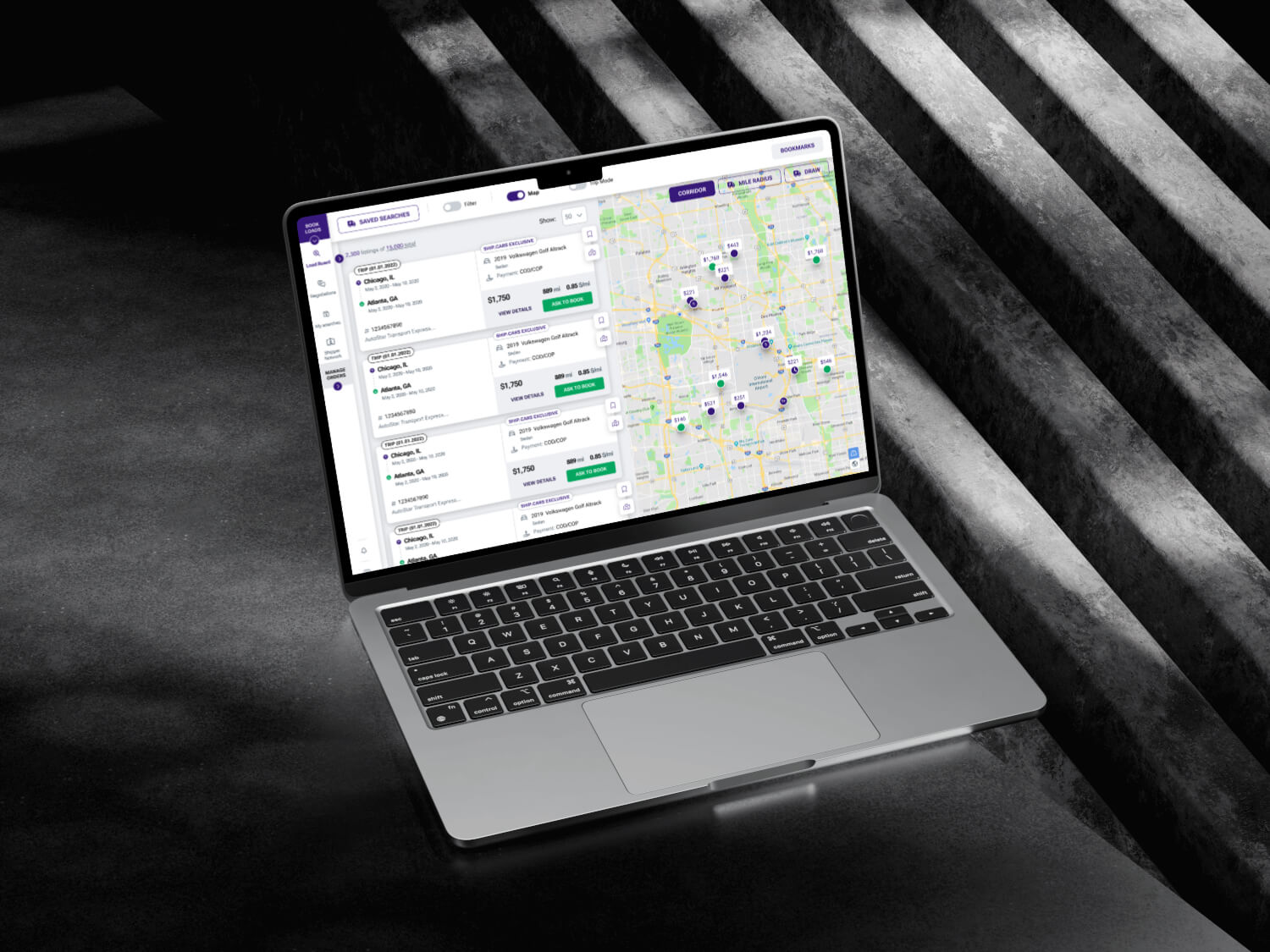
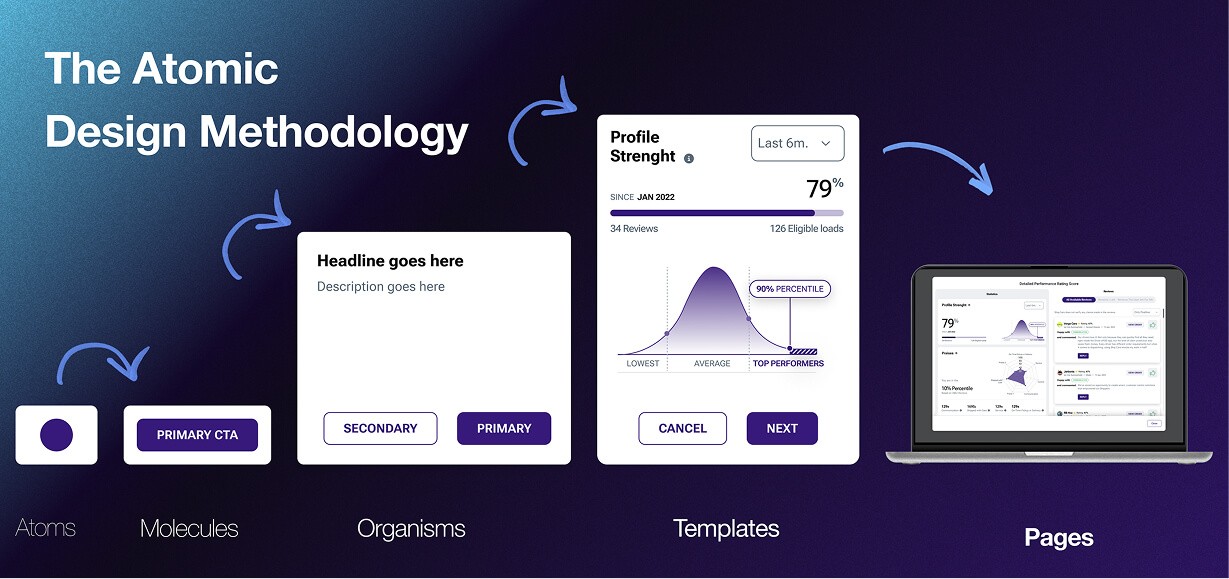
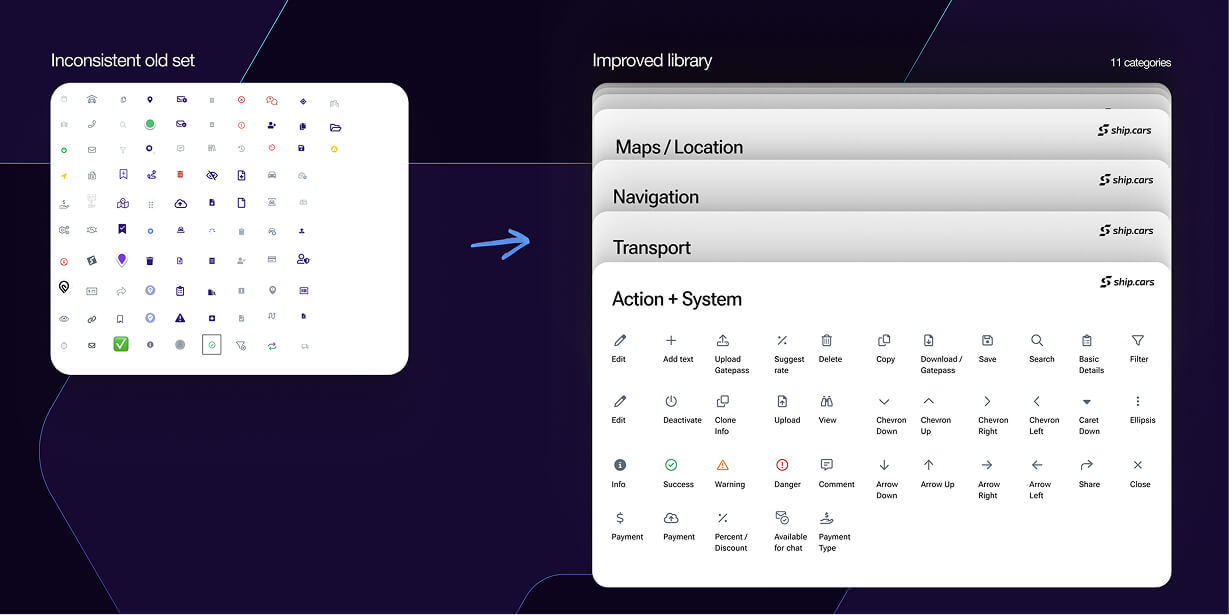
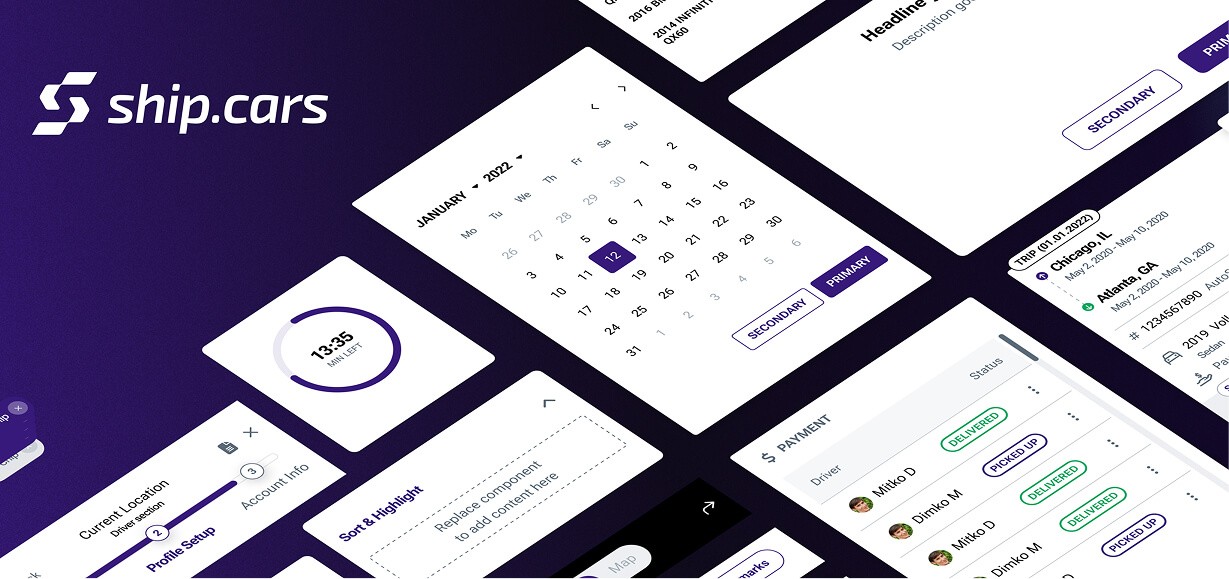
A design system with 600+ reusable components
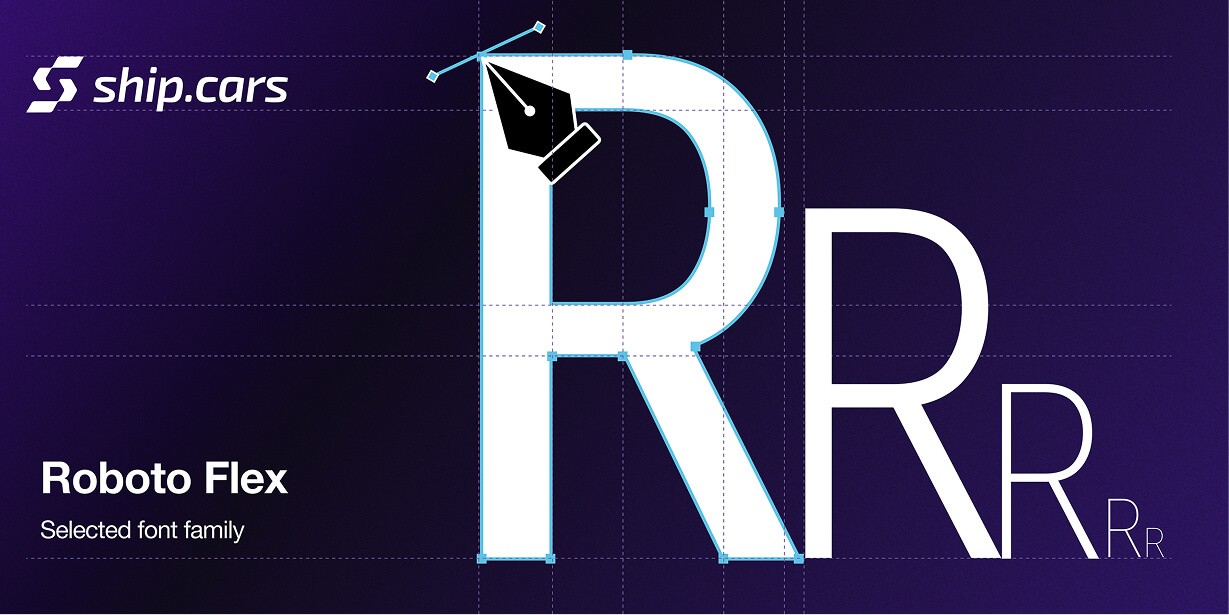
A scalable design system built from reusable components and shared tokens for color, typography, spacing, and layout. Each component included clear usage guidance, variants, and states so teams could reuse patterns confidently and avoid inconsistencies across products.Separate but aligned guidelines for web and native apps
Platform-specific guidelines for web, iOS, and Android that respected native behavior while keeping a shared visual and interaction language. Differences were intentional and documented, while core patterns stayed consistent across platforms.Accessibility and WCAG-aligned design standards
Accessibility was built into components and flows where relevant, including contrast rules, touch target sizing, focus states, and screen reader considerations. This ensured usability in varied environments and supported compliance with WCAG AA expectations.
Why It Mattered
Higher consistency across products
Faster implementation with fewer regressions
Easier onboarding for designers and engineers
Operational takeaway
Consistency is not visual polish. It is a performance optimization.
Enterprise Readiness and Value Clarity
Summary
UX changes reinforced maturity and clarified value as the platform moved toward paid enterprise usage.
What Changed
Clearer hierarchy and messaging at key decision points
Outcome-focused framing within workflows
Better alignment between onboarding, usage, and upgrade intent
Why It Mattered
Stronger confidence during evaluation
Less friction in sales and support conversations
Clearer perception of platform reliability
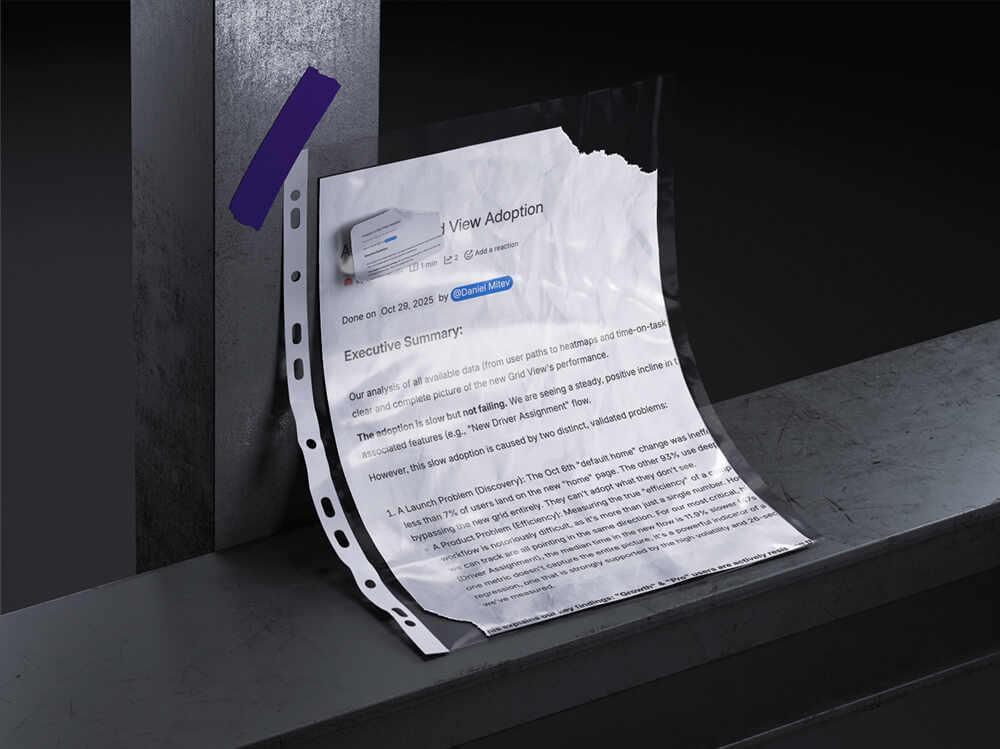
Validation and Iteration
Methods Used
A/B experiments on UI elements and flows
Moderated usability testing with core personas
Cross-product UX audits to surface systemic issues
Validation focused on repeatability and clarity, not isolated wins.
Collaboration

UX decisions were shaped through close collaboration with:
C-level leadership on strategy and priorities
Product managers on discovery and scope
Engineers on feasibility and implementation patterns
Operations teams to validate real-world constraints
My role often involved translating between business, technical, and operational perspectives.
Learnings
UX debt compounds rapidly in multi-product ecosystems
Design systems change organizational behavior, not just UI
AI magnifies existing UX maturity, good or bad
What I Would Improve Next Time
Establish shared UX metrics earlier
Formalize edge-case validation loops sooner
FAQ
Q: What did you lead
at Ship.Cars?
A: UX strategy, execution, validation, team building, design systems, and AI-supported UX workflows across multiple products.
Q: What is the most scalable outcome from this work?
A: A cross-product design system that improved consistency, delivery speed, and long-term scalability.
Q: How were decisions validated?
A: Through analytics, usability testing, controlled experiments, support data, and systematic UX audits focused on operational reality.
Category:
AI & UX, Enterprise SaaS, UX Strategy,
Client:
Ship.Cars
Duration:
20220 - Present
Location:
Sofia, Bulgaria