
AI Integration in UX Design: Enhancing User Experiences
UX, AI, Research
Daniel Mitev P.h.D
12 min
Feb 23, 2026
AI is being integrated into UX design workflows to enhance human efforts. It supports activities like content editing, user research, prototyping, and usability testing, enabling faster design variations, improved user journey analysis, and real-time adaptation.
The Transformative Role of AI in UX Design
Overview of AI Integration in UX Design
AI is not simply being added to UX workflows. It is compressing them. Tasks that once required manual synthesis, repetitive execution, or extended validation cycles now happen at near real-time speed. Research clustering, layout generation, accessibility checks, and content variations can be produced instantly. The consequence is not just efficiency. It is decision density. When output becomes faster, the responsibility to interpret, validate, and prioritize increases. AI surfaces patterns, anomalies, and options, but it does not assign meaning. Designers must decide what matters, what aligns with strategy, and what protects user trust. The integration of AI into UX therefore changes not only how we work, but how accountable we are for the systems we design.
The Synergy Between AI Tools and Human Creativity
AI expands the creative surface area, but it does not define direction. Generative tools can propose layouts, draft content, and simulate variations at speed, reducing the mechanical burden of production. This allows designers to focus on framing problems, shaping narratives, and evaluating coherence across systems. However, AI-generated ideas tend toward statistical plausibility, not differentiation. Without human curation, outputs converge toward safe averages. The value of the designer shifts from creating artifacts to directing intelligence. Creativity becomes less about producing and more about selecting, refining, and protecting intent.
Evolving UX Roles in the AI Era
Personalization powered by AI is often presented as convenience. In practice, it is behavioral influence. By analyzing interaction patterns, predictive systems anticipate preferences and adapt interfaces dynamically. Content shifts, layouts evolve, recommendations surface at precisely timed moments. This reduces friction, but it also shapes decision pathways. The critical design question is not whether personalization increases engagement. It does. The question is whether it supports autonomy and clarity. Responsible personalization makes adaptation visible, preserves choice, and prevents invisible steering. The goal is to reduce cognitive load without reducing agency.
Enhancing Productivity and Creativity with AI Tools

How is AI integrated into existing UX workflows?
AI is integrated as an assistant that enhances productivity and creativity by automating routine tasks such as prototyping, content generation, and research analysis, while leaving strategic and creative decisions to UX professionals. This approach highlights the importance of AI integration in UX workflows.
AI tools assist rather than replace UX professionals, acting like a 'glove' that fits the designer’s hand, extending their capabilities without supplanting their expertise. This ensures the retention of human insight, empathy, and judgment that are critical in UX, balancing AI tools and core UX skills to maintain the essence of human-centric design.
Examples of AI-enabled prototyping and content generation
Several AI-driven tools facilitate faster and more iterative design. For instance, AI-assisted prototyping tools can generate multiple wireframe layouts rapidly, improving workflow speed and creative exploration. Tools like Figma Make and Uizard transform sketches and ideas into digital prototypes efficiently.
Content generation benefits similarly, with AI capable of creating UX copy, social media content, or design elements aligned with user behavior patterns, thereby reducing manual workload while maintaining quality. This exemplifies how AI is used for content generation in UX and supports AI content development in digital products.
AI’s impact on research and analysis stages
In research, AI expedites data collection and analysis, parsing large amounts of user interview transcripts, behavioral data, and market reports to help identify patterns and validate hypotheses quickly. Large Language Models (LLMs) like ChatGPT enable faster synthesis of insights, accelerating the research phase through AI tools for UX research and AI accelerated UX iteration.
However, AI complements rather than replaces the nuanced insights derived from real user feedback, and human validation remains essential to maintain relevance and accuracy. This stresses the importance of real user data in UX and the limitations of AI-generated UX insights.
By integrating these AI capabilities, UX workflows become more efficient, allowing professionals to focus on strategic planning, storytelling, and delivering impactful user experiences, consistent with the emphasis on strategy and storytelling in AI-era UX and impactful AI experiences.
AI-Driven Personalization: Crafting Tailored User Experiences

How does AI improve user personalization?
AI employs machine learning (ML) and natural language processing (NLP) to collect and analyze user behavior, preferences, and contextual data. By processing vast amounts of data, AI enables digital products to dynamically adapt interfaces, content, and features in real-time. This continuous learning not only optimizes the user journey but also creates more relevant and engaging experiences tailored to individual users. For more information, see AI enhances user experience.
Role of machine learning and NLP in personalization
Machine learning models detect patterns and predict future user actions by leveraging historical data. NLP interprets users' language patterns to enhance content relevance and communication style. Together, these technologies power adaptive personalization systems that automatically adjust recommendations, user interface layouts, and content delivery depending on user interactions. Learn more about AI personalization.
Real-life examples like Spotify and Netflix
Spotify's Discover Weekly playlist exemplifies AI personalization by analyzing listening history and preferences to curate tailored music recommendations weekly. Netflix similarly uses ML algorithms to suggest movies and series based on viewer behavior, increasing content discovery and satisfaction through personalized feeds. Explore these cases under Spotify AI UX example.
Benefits of hyper-personalization for user engagement
Hyper-personalization drives deeper user engagement by increasing content relevance, reducing friction in user journeys, and fostering emotional connections. It boosts customer retention, encourages longer interaction times, and elevates overall satisfaction. Additionally, businesses benefit from higher conversion rates and loyalty due to timely, user-centric experiences. For further insights, see Future of AI in UX Design.
Aspect | Description | Impact on UX |
|---|---|---|
Machine Learning (ML) | Analyzes user behavior and predicts preferences | Enables proactivity and tailored suggestions |
Natural Language Processing (NLP) | Interprets user language for more precise personalization | Enhances communication and content relevance |
Real-Time Adaptation | Dynamic interface adjustments during use | Increases relevance and responsiveness |
Examples (Spotify, Netflix) | Personalized playlists and content suggestions | Boosts user satisfaction and discovery |
Hyper-Personalization Benefits | Improved engagement, retention, and satisfaction | Drives business value and competitive edge |
The Evolution of UX Roles in the Age of AI

How are UX roles evolving with AI?
The integration of AI exposes a structural shift inside the UX profession. Production tasks are increasingly automated. Wireframes, summaries, microcopy, and pattern suggestions can be generated on demand. What remains irreplaceable is interpretation. Designers must evaluate AI outputs, detect bias, assess alignment with business goals, and safeguard user interests. The role evolves from executor to governor. Strategic thinking, systems literacy, ethical reasoning, and contextual judgment become core competencies. Mastery of tools matters less than mastery of decision-making.
Shifting focus toward strategy, storytelling, and data judgment
With AI automating routine tasks and data processing, UX designers can concentrate more on higher-level responsibilities. Strategy plays a central role in defining user needs and business goals, while storytelling becomes vital to translate complex data insights into compelling narratives that shape design decisions. Data judgment is critically important as designers analyze AI outputs to ensure they align with real user behavior, avoiding reliance on opaque or biased data.
Importance of continuous skill development
To keep pace with AI-driven changes, UX professionals must commit to ongoing learning. Developing expertise in continuous skill development in UX such as AI literacy, data analysis, and interpretive judgment is essential. This continuous skill development helps UX teams not only integrate AI tools effectively but also maintain a human-centered approach that balances innovative technology with empathy and creativity.
How UX professionals balance AI capabilities with human insight
UX specialists view AI as an augmentation tool — a “glove” that enhances design capabilities without replacing the nuanced understanding of human users. While AI accelerates research and prototyping, human insight remains indispensable for ethical considerations, contextual interpretation, and complex problem-solving. This balanced approach ensures that UX design remains user-focused and adaptable to varied needs.
Overall, the advancement of AI in UX demands a transformation in professional roles, spotlighting strategic, analytical, and storytelling abilities while preserving the uniquely human skills essential for meaningful design.
AI-Powered Automation: Streamlining Design and Testing Processes
What UX tasks can AI automate?
AI excels at automating various repetitive and time-consuming UX tasks. These include resizing images, generating wireframes, creating responsive designs, and conducting A/B testing. Additionally, AI can simulate user interactions, accelerating prototyping and usability testing processes. For more details, see AI integration in UX workflows and AI-enhanced prototyping and testing.
Automation of repetitive UX tasks
Routine tasks such as layout generation, image editing, and accessibility checks can be efficiently handled by AI tools. This reduces manual workload for designers, allowing them to focus more on strategic and creative aspects of UX design. Automation also aids in maintaining consistency across design systems. Learn more about AI automation of repetitive UX tasks and background automation in UX.
AI-enhanced prototyping and usability testing
AI-driven platforms facilitate rapid generation of design variations and realistic wireframes. They simulate user behavior to test prototypes under different scenarios, providing deeper insights into usability. Automated usability testing with realistic personas and AI-generated test cases helps identify pain points and optimize user interfaces before launch. See more on AI-assisted prototyping and AI UX tools: Figma, Uizard, Adobe Sensei.
Examples of AI tools like Adobe Sensei and Uizard
Adobe Sensei integrates machine learning to analyze user data and optimize design elements in real-time, automating tasks such as image editing and content generation. Uizard transforms sketches and mockups into interactive prototypes swiftly, enhancing iteration speed. These tools exemplify how AI empowers UX teams by streamlining workflows and improving design quality. Explore AI tools for UX prototyping and AI in UX design prototyping.
Task Area | AI Capability | Tool Examples |
|---|---|---|
Image resizing & editing | Automated adjustments and enhancements | |
Wireframing & prototyping | Rapid generation of realistic prototypes | Uizard |
A/B testing & analysis | Automated testing with data-driven insights | Adobe Sensei, UXPin AI |
Usability simulation | Simulates user interactions for testing | Uizard, Visily |
This integration of AI-driven automation is reshaping UX workflows, making design and testing more efficient while supporting higher quality user experiences globally, including in emerging markets like Bulgaria.
Data-Driven Insights: Leveraging AI for Better UX Decisions
How does AI support data-driven UX decisions?
AI plays a crucial role in enabling data-driven UX decisions by analyzing vast amounts of user data to uncover meaningful patterns. This analysis helps designers understand user behavior, preferences, and pain points more accurately. By leveraging advanced machine learning for UX and predictive analytics, AI forecasts future user actions, facilitating the anticipation of needs and the optimization of user journeys.
AI’s role in analyzing large datasets
Processing large datasets manually is time-consuming and limited in scope. AI automates this by rapidly interpreting qualitative and quantitative data from diverse sources like user interactions, feedback, and market trends. Tools such as DataRobot for UX workflows and Research AI in UX hypothesis validation support hypothesis validation and trend interpretation, delivering actionable insights. This capability enhances the understanding of user engagement, guiding iterative improvements and personalized experiences.
Predictive analytics in user behavior forecasting
Through predictive analytics in user experience, AI goes beyond descriptive data, forecasting user actions based on historical trends and real-time inputs. This capacity aids in designing proactive interfaces that reduce friction, customize content, and suggest relevant features or products. For example, platforms can adjust UI layouts dynamically to user habits, increasing usability and satisfaction.
How AI supports data-driven product decisions
AI consolidates insights into coherent recommendations, informing product strategies and development priorities. It streamlines user testing by analyzing feedback swiftly and identifying issues that need attention. The result is efficient decision-making backed by evidence rather than intuition alone, ultimately enhancing product performance and user retention.
Integrating AI into UX workflows strengthens designers' ability to deliver intuitive, personalized, and responsive digital experiences, aligning with both user needs and business objectives.
Conversational AI and Emotional Intelligence in UX
How does conversational AI improve user experience?
Conversational AI, including AI-powered chatbots and Voice command assistants, revolutionizes user experience by offering immediate, context-aware support. These tools help users navigate complex digital environments efficiently, simplifying interactions and reducing wait times for assistance.
Use of chatbots and voice assistants
Chatbots leverage Natural Language Processing in user experience to interpret user queries and provide relevant responses. Advanced systems can detect emotional tones and adjust interactions accordingly. Voice assistants like Siri, Alexa, and Google Assistant enable hands-free communication, increasing accessibility and convenience.
AI recognition of emotional states
AI-powered UX incorporates Emotion Recognition in AI by analyzing speech patterns, facial expressions, and typing rhythms to gauge user moods. This capability allows systems to respond with empathy—for instance, escalating a frustrated user's inquiry to a human agent or tailoring responses to improve user comfort.
Benefits for user engagement and support
By recognizing and adapting to emotional cues, conversational AI boosts user engagement and satisfaction. Personalized interactions foster trust and loyalty, while rapid, empathetic responses enhance overall support quality. This approach is especially valuable in sectors like customer service, healthcare, and finance, where emotional context greatly influences user experience, as described in AI applications in customer support and GenAI applications in healthcare and customer service.
Ethical Considerations and Challenges in AI-Driven UX
What ethical challenges arise with AI in UX?
Ethical concerns in AI-driven UX are not abstract principles. They are embedded in everyday interface decisions. Training data carries historical bias. Personalization systems can obscure reasoning. Automation can replace explanation. Without deliberate governance, these risks scale invisibly. Ethical UX requires structural safeguards: visible AI disclosure, user control over recommendations, clear data boundaries, and escalation paths to human support. Transparency must be built into interaction patterns, not hidden in policy pages. In AI systems, trust is not a marketing attribute. It is an architectural choice.
AI and Accessibility: Making UX More Inclusive
How does AI improve accessibility in UX?
AI significantly enhances accessibility by automating several tasks that support users with disabilities. It generates alternative text (alt tags) for images, helping visually impaired users understand visual content through screen readers. Voice recognition technology enables hands-free navigation and commands, benefiting users with motor impairments.
AI also adjusts layouts dynamically, such as increasing font sizes or simplifying designs, to meet accessibility standards like WCAG. These automated adjustments ensure websites and applications remain usable for a wide range of users without requiring manual intervention. For more on AI improves user experience and AI personalization in digital products, see detailed analyses of AI's role in accessibility and UX productivity.
AI tools facilitating accessibility improvements
Several AI-powered tools actively contribute to accessibility. For example, platforms like UserWay accessibility solutions and AccessiBe for accessibility audit websites automatically to identify and fix common accessibility issues. They ensure proper color contrast, keyboard navigation support, and more.
Voice User Interfaces (VUIs), powered by AI technologies, allow natural language interactions, making interfaces more approachable for users who cannot rely on traditional input methods. Examples include virtual assistants like Siri, Alexa, and Google Assistant. These AI-powered chatbots and voice assistants enhance UX by making it more inclusive and accessible.
Impact on users with disabilities
For users with vision, motor, or cognitive impairments, these AI innovations make digital content more reachable and easier to use. The automation of accessibility compliance reduces barriers and fosters greater independence and engagement. By integrating AI-driven features, UX design becomes inherently inclusive, aligning with ethical imperatives and widening user bases. Learn more about the AI applications in customer support and AI personalization in UX that boost accessibility and usability overall.
Integrating AI into UX Systems: From Strategy to Execution

How should AI be integrated effectively into UX design?
Effective AI integration in UX workflows in UX design begins with aligning AI features closely with both business objectives and user needs. AI should augment existing UX workflows rather than replace them, acting as a "glove" that enhances designers' capabilities. This means AI is strategically deployed to automate repetitive tasks, support data-driven insights, and enable personalization while maintaining core human oversight.
What is the role of the human-in-the-loop methodology?
A human-in-the-loop AI design approach is critical to maintain quality and relevance in AI-driven UX. Designers continuously evaluate AI-generated outputs—such as wireframes, content, or user insights—against usability goals, business objectives, ethical considerations, and accessibility standards. This collaboration ensures that AI serves as an assistant or copilot, enhancing creativity and strategic thinking rather than replacing human judgment.
How can trust, transparency, and quality in AI outputs be ensured?
Trust is fostered through transparency about AI’s role in the product, providing users with control options, clear communication of data and privacy policies, and ethical use of AI to prevent bias. Continuous monitoring and evaluation of AI outputs help maintain accuracy and avoid inconsistencies. Aligning AI-generated features with user expectations and maintaining accountability ensures a positive user experience and sustains long-term engagement.
In summary, the strategic integration of AI within UX involves selecting appropriate AI tasks, balancing automation with human insight, and rigorously ensuring trustworthy, transparent, and high-quality AI applications. This balanced approach drives improved efficiency and personalized experiences while upholding ethical design practices.
Future Trends: Generative AI and Multimodal User Interactions
What Are the Future Trends of AI in UX?
Future AI trends in UX design center around generative AI in design, hyper-personalization in UX, emotionally aware UX design, and multimodal interaction methods such as voice and gesture controls. These innovations promise to create more natural, immersive, and tailored user experiences.
Emerging AI Capabilities in UX Design
Generative AI is reshaping AI in UX workflows by enabling rapid design iterations, automatic content creation, and dynamic interface adjustments. These AI-driven approaches allow designers to explore more creative possibilities quickly while maintaining strategic oversight.
AI's capability to analyze vast user data sets will enhance AI-powered personalization, providing users with interfaces and content that dynamically evolve based on behavior, preferences, and context. This allows for highly adaptive experiences that improve engagement and satisfaction.
Use of Generative AI for Content Creation and Dynamic Interfaces
Generative AI tools in UX assist in automatically creating UI components, generating interactive prototypes, and tailoring content such as text and images to specific user segments. This reduces repetitive design tasks and accelerates product development.
Dynamic interfaces powered by generative AI adjust layout and functionality in real-time, responding to user inputs and environmental factors, enabling seamless and intuitive interactions.
The Rise of Voice, Gesture, and Ambient Interactions
Voice user interfaces (VUIs), supported by AI-powered natural language processing, are rapidly gaining traction, offering hands-free, accessible interaction methods. Gesture recognition and ambient interfaces are emerging, allowing users to engage with products through natural movements and environmental cues without reliance on traditional screens.
Future UX designs are moving towards ambient, sensory-rich environments with AI orchestrating invisible feedback loops that foster empathic and seamless experiences.
These trends emphasize a shift from screen-based interfaces to intelligent ecosystems that integrate multiple interaction modalities, enhancing usability and emotional connection.
Balancing Innovation and Humanity: The Path Forward for AI in UX
AI’s Transformative Potential in UX
AI will continue to accelerate design cycles and expand what is technically possible. Interfaces will become predictive, generative, and increasingly adaptive. The differentiator will not be who adopts AI first, but who governs it well. Designers must define boundaries for automation, determine when to require human validation, and ensure that efficiency does not erode clarity. The future of UX is not about replacing human involvement. It is about orchestrating intelligent systems responsibly. AI extends capability. Human judgment defines direction.
Read more:
AI Integration in UX Design: Enhancing User Experiences

Unlocking Success: How a UX Strategy Consultant Transforms Brands
Building AI Products with Great UX: Mastering the Text Prompt

How Can We Reduce Stress for Users?

Why UX Is Moving From Execution to Judgment
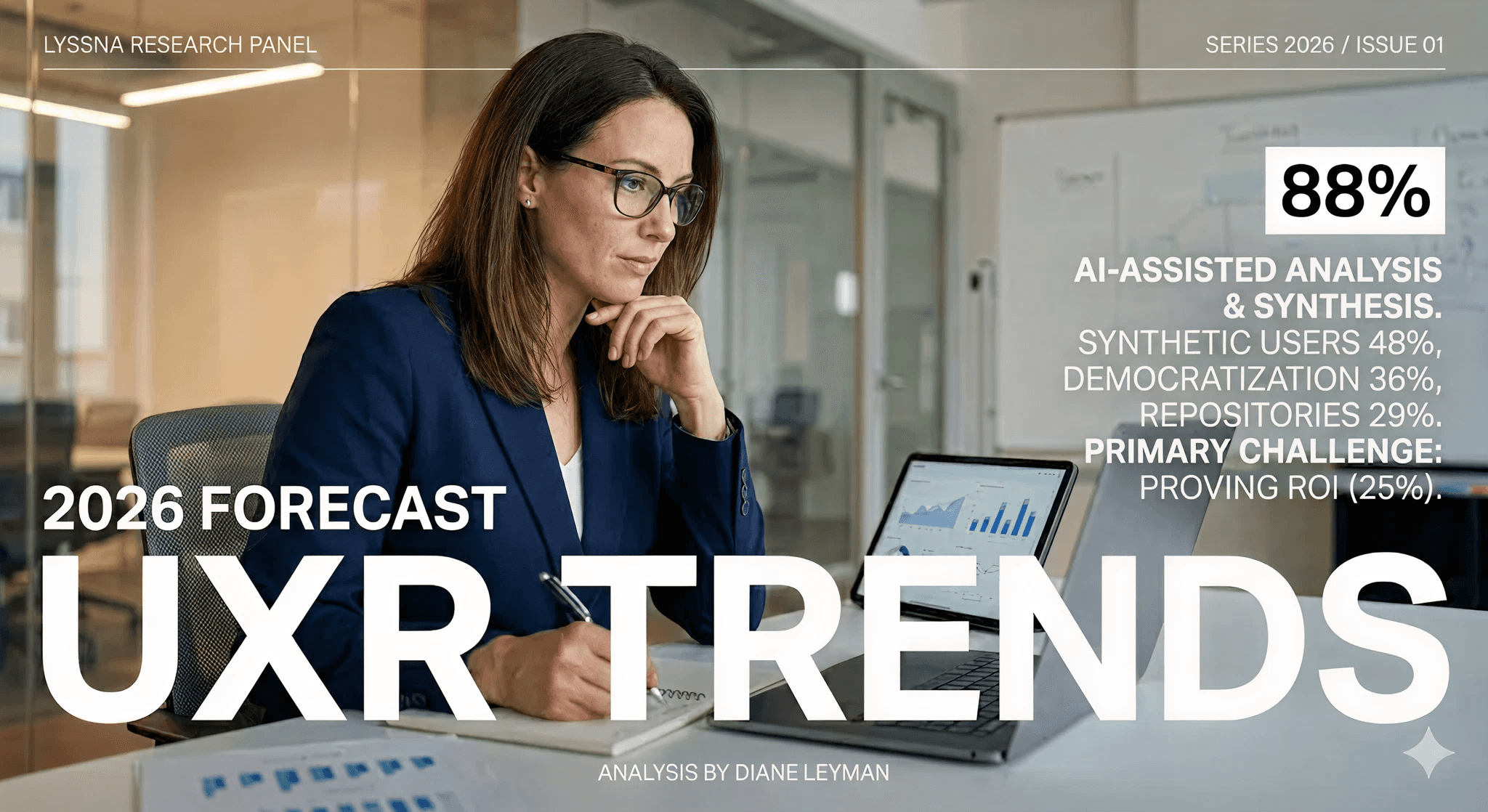
UX Research in 2026: When AI Takes the Work and Leaves Us the Weight

The Quiet Shift Changing UX
Synthetic users: is there a place for “AI-generated users” in UX Research?
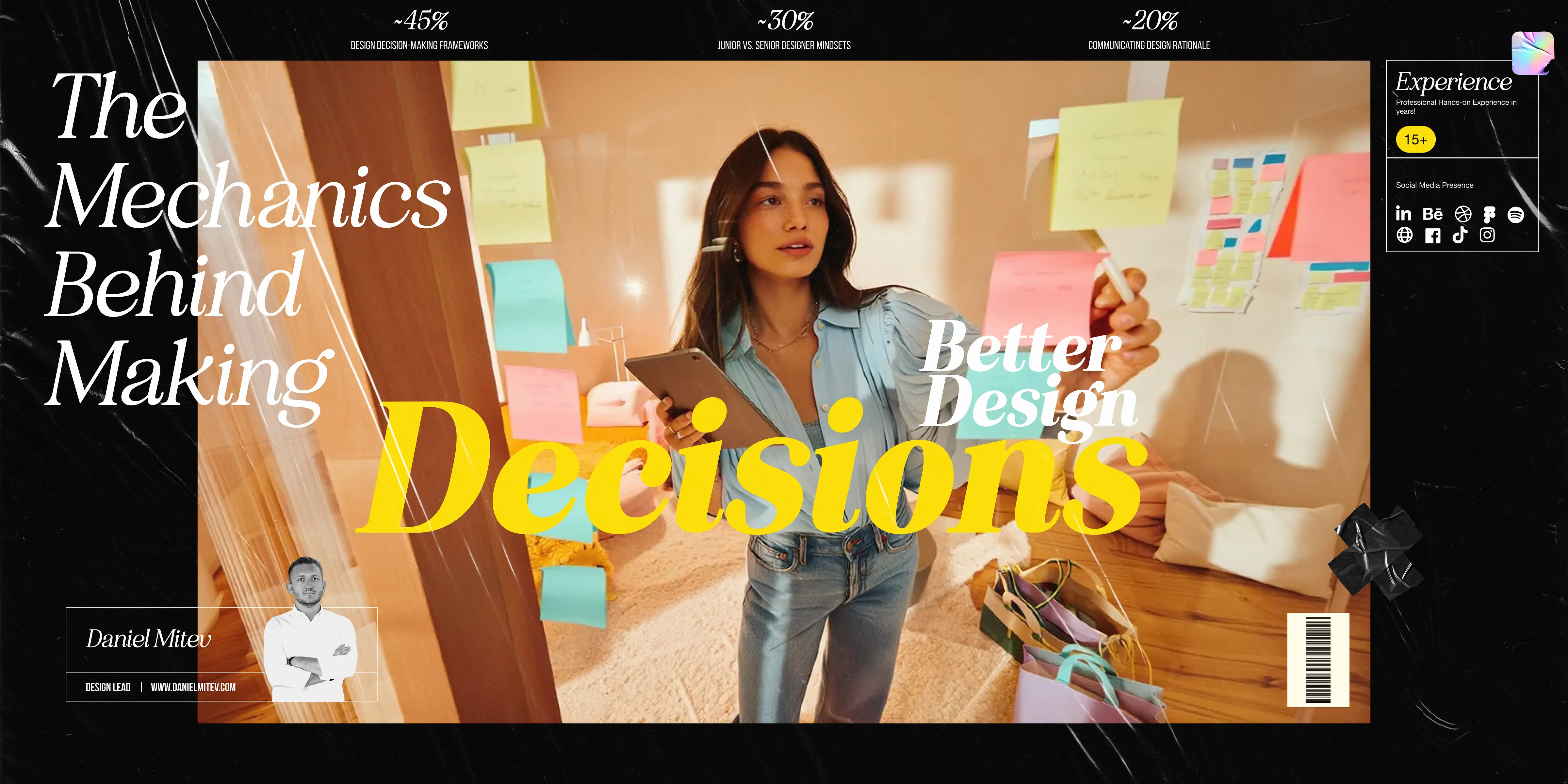
The Mechanics Behind Making Better Design Decisions

Is mobile-first approach killing your website’s potential?