
Designing an experience builder for food ordering
A case study in visual programming: how restaurant users can define rules, modify an application and test the customer experience.

I created this project to consider how restaurant users can modify a food ordering application. The project includes a visual editor and a mobile app. The editor provides control of predefined behavior; the app provides the customer experience.
This is a simulation, created to demonstrate and test an approach to interaction design. It is not a commercial food delivery service. The system does not provide billing or deliver food.
The design challenges
A restaurant can have specific requirements for how customers order food. Drinks and desserts may be available depending on the order or the customer. The design should make these rules available to people without traditional programming.
End-user development provides a basis for this work. Its tools support people in creating software and making changes. In this project, the restaurant user defines the conditions and actions within the application. The customer uses the resulting interface to order food.
From language to visual elements
The editor allows users to describe a change through text. For specific requests, the system can modify parameters or introduce additional actions. The resulting process is shown through connected visual elements.

This implementation uses predefined rules. It does not use machine learning to process the text. The goal is to make the result available for users to understand and change.
A process that users can change
Visual programming provides a way to represent behavior through graphical elements. In the editor, lines between elements define the control flow. Conditions determine which actions are performed.
Users can move elements to change the visual representation. Changes in their placement do not change the control sequence. To modify that sequence, users change how the elements are connected. The interface should help users understand how these changes differ.

The customer experience
The mobile app provides a food ordering experience with hamburgers, drinks and desserts. Customers can browse items, choose food and change the number of items in an order. The total changes with the order.
The rules determine which additional items are available. Once these items have been added, the same offer is not shown. The customer can see the result of the rules without using the editor.

Changes in context
Adaptive interfaces provide a way to consider which information should be shown to a particular user. This project uses conditions to change what is shown. Users can test different customer contexts and see how the available actions differ.

The goal is to help users understand the relations between conditions and results. A visual process alone cannot show that every customer experience is suitable. Testing different conditions is therefore part of the work.
Artificial intelligence and implementation
Intelligent user interfaces use artificial intelligence to support interaction. Knowledge about a user or an application can help a system adapt its behavior. This is a potential direction for further development, rather than a representation of the current implementation.
The application uses predefined components and rules. It does not automatically create a new interface from text. Data is stored in the browser, and the delivery process is a simulation.
Testing and further development
The project includes testing of the control flow and order data. This testing does not demonstrate that restaurant users will understand the editor, or that customers will benefit from the changes.
Further work should include testing with restaurant users. Can they create suitable rules, predict the result and correct mistakes? Can customers understand the available options? These are issues for further study, not results already achieved.
The project provides one way to integrate user control with application behavior. The design work is in making those relations accessible, so people can understand the changes they make.
Sources
Read more:
AI Integration in UX Design: Enhancing User Experiences

Unlocking Success: How a UX Strategy Consultant Transforms Brands
Building AI Products with Great UX: Mastering the Text Prompt
How Can We Reduce Stress for Users?

Why UX Is Moving From Execution to Judgment
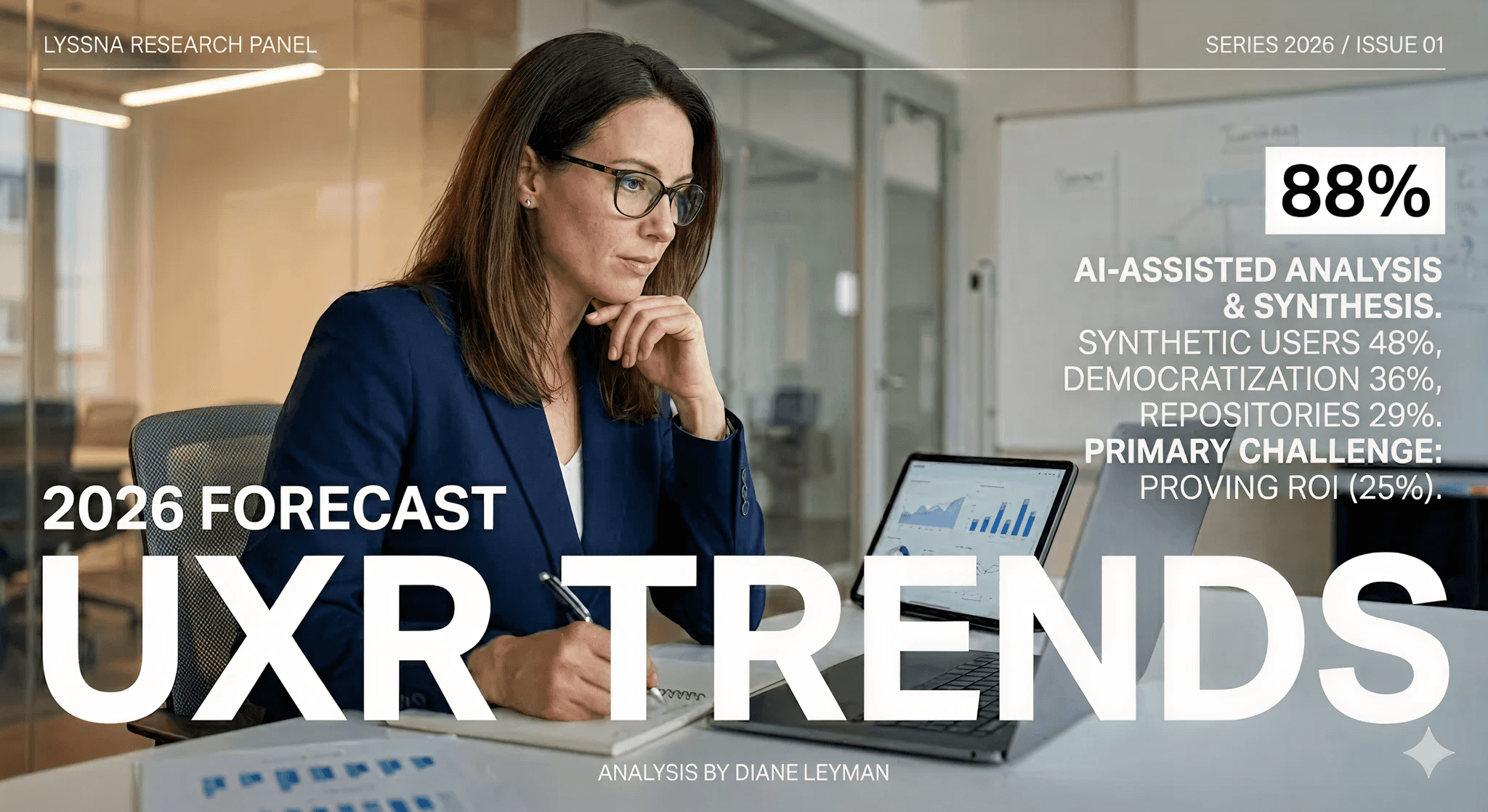
UX Research in 2026: When AI Takes the Work and Leaves Us the Weight

The Quiet Shift Changing UX
Synthetic users: is there a place for “AI-generated users” in UX Research?
The Mechanics Behind Making Better Design Decisions

Is mobile-first approach killing your website’s potential?